How can I determine what bitmap dimension I have to use to prevent uneven stretching when it becomes mapped on to my object?
What kind of "stretching problem" are you having? I've noticed at least 4 types:
...(a) when the proportion of texture on the image map is not the same as the proportions of the model (e.g. the Meta model of the rocket is 5 units long, but the texture map of the rocket is 4 units long)
...(b) the image map resolution is so low that individual pixels stretch out (e.g. the texture map is only 200x 200 pixels, and is spread over a large area that measures 6"x6" when printed)
...(c) the texture is flat mapped at an angle (e.g. the face is at a 40 degree angle to the texture)
...(d) when there's only one Material and texture assigned to several faces, and the alignment in one face on one part of the texture needs to be adjusted without altering the alignment in another part (e.g. you're texturing a car, and want to move the texture for the front bumpers, but it seems you can't do it without losing the alignment on the rear fenders)
Each issue can be addressed differently:
...(a.1) if your texturing using an image of orthographic views, avoid differences in proportions between your image maps and models.
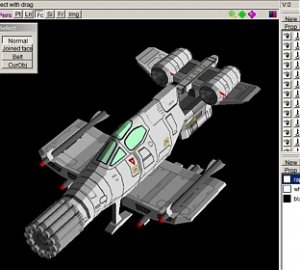
...(a.2) if possible, use the background image when you make the meta model as your texture (e.g. what was done with the Orbital Inspection Pod), or at least the base for making your texture (e.g. you can color and refine the image of the Orbital Inspection Pod)
...(a.3) if you made the model without a background image, take screencaps of the various sides of the model, color/texture those images, then use them for your Materials
...(b) always use as big and as high resolution images as possible for textures, since Pepakura will scale it down a hi-res image to 1024x1024, but not scale up a low-res image
...(c) use multiple textures, trying to keep them as parallel to the face as possible.
...(d) you can "clone" Materials and apply them separately in different positions to the model, without one affecting the other's assigned mapping. if you don't clone them Meta will stretch and move the entire map, in all faces it is applied to, everytime you make an alteration with any one of the faces.




 .
.

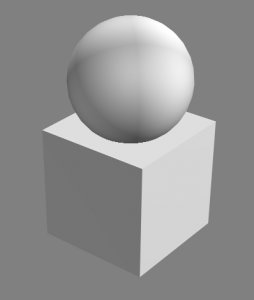
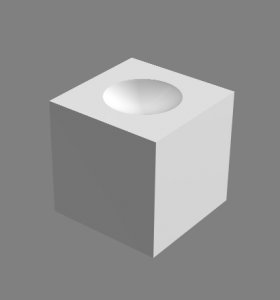
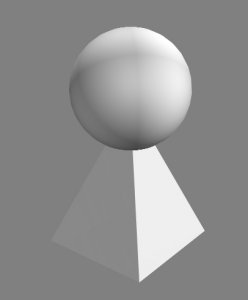
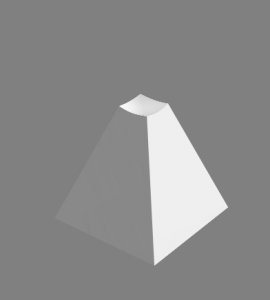
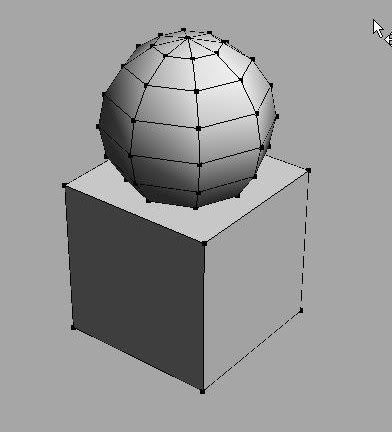
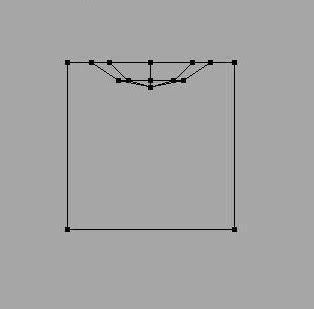
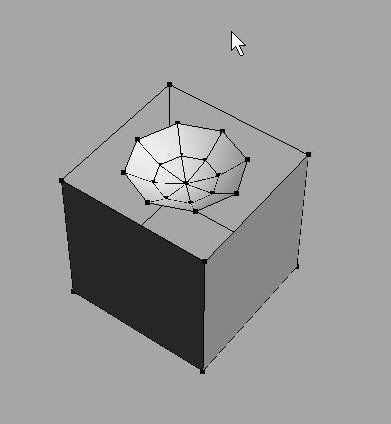
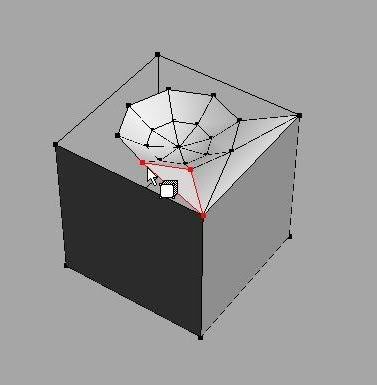
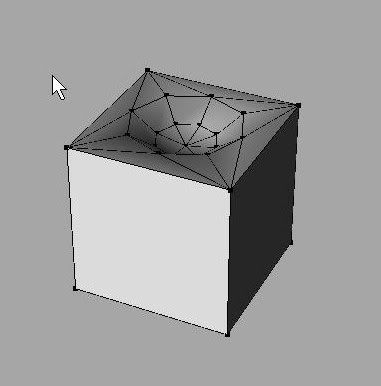
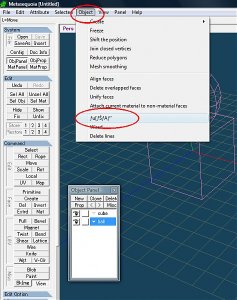
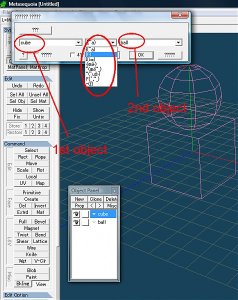
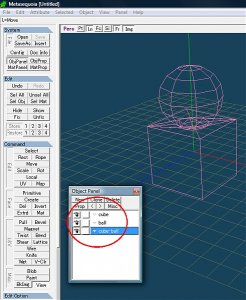
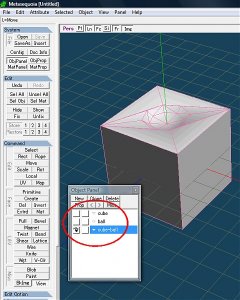
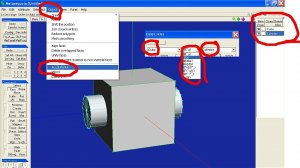
 why dont you work with BOOLEAN Operation? perhaps it is a plug-in(?), but i have the Boolean-Button under "Object" (1st PIC)!