


Andor Tie Avenger
- Thread starter mijob
- Start date
You are using an out of date browser. It may not display this or other websites correctly.
You should upgrade or use an alternative browser.
You should upgrade or use an alternative browser.

To create what you have, with the limited info thats available, is nothing short of amazing - this is gonna be epic 

Hard to do things with your fingers crossed......Thank you so much I still need to test build it so fingers crossed
This is gonna be so cool.

if you can build it with crossed fingers, you're just showing off lol 

Did some work on the front side. This I can include in the next test build.
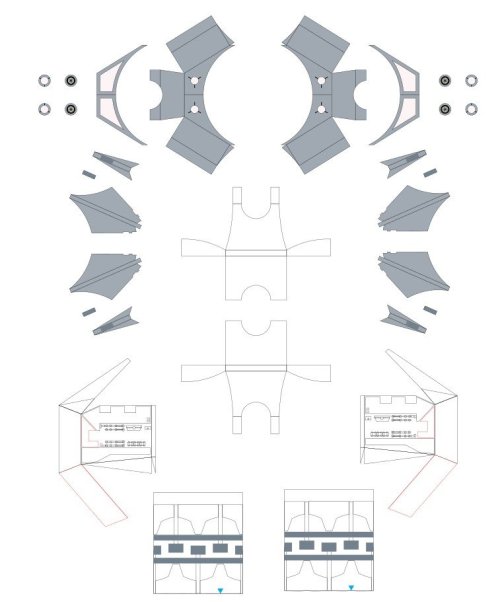
I have said it a lot so lets start the next test build.
I have said it a lot so lets start the next test build.

Still fighting with the interior to get it into the sphere. It needs some adjustments to fit properly. Main issue is the fitting around the front, rear, top and bottom hatches.
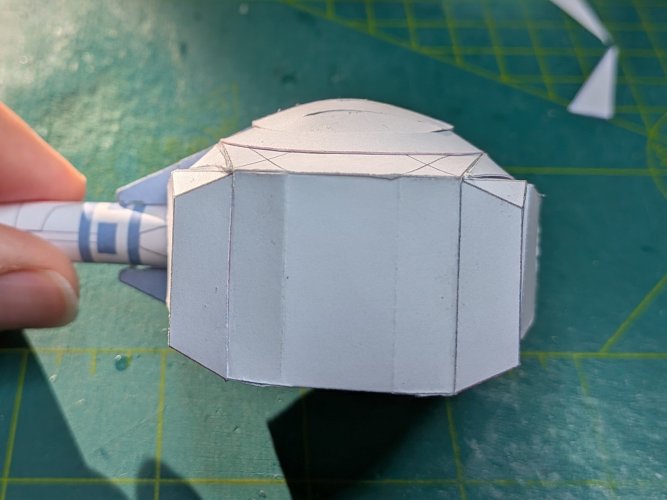
The front view is the show maker. Here I have todo some extra work to make the spgere gap disappear.
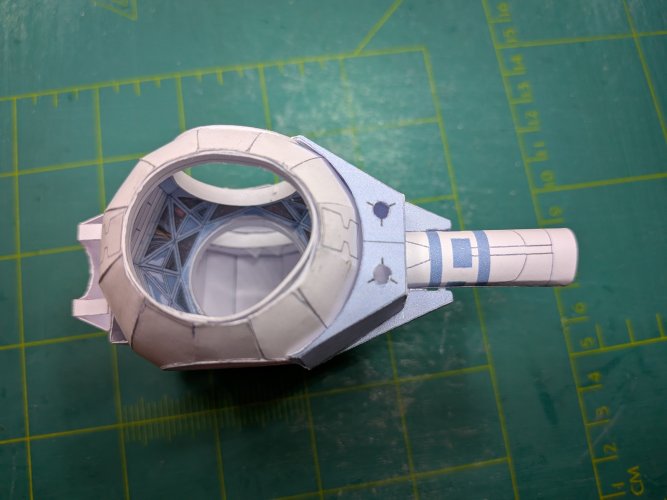
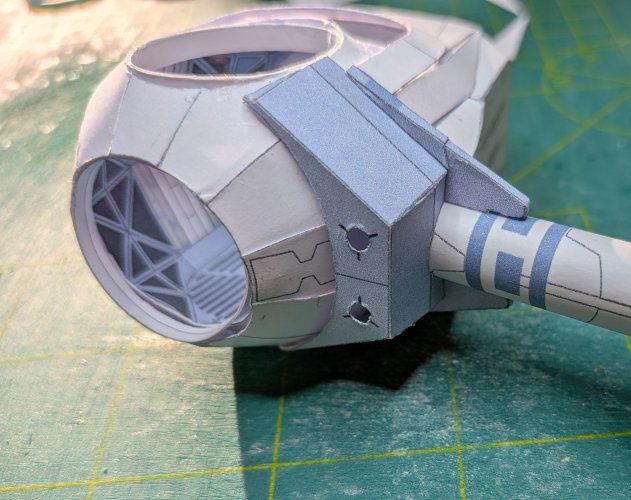
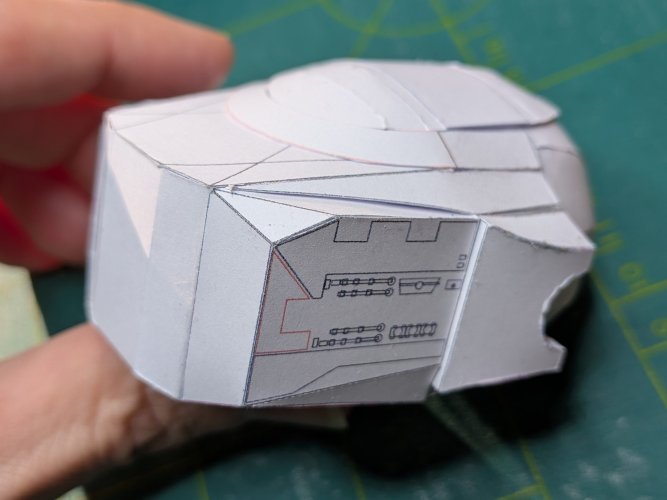
And the side view with the pylons Here you can see a big gap that needs to be closed. Oke its not the best picture to see it, but it is there.
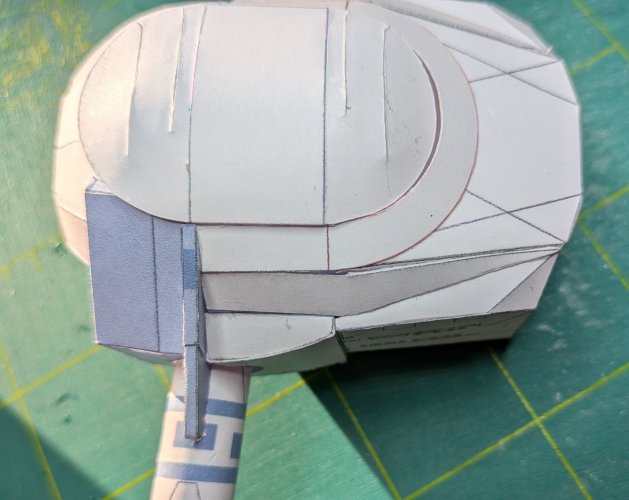
The back and the side of the hull is looking good also some minor adjustments.
Overall Im still not ready to make the final template.
The front view is the show maker. Here I have todo some extra work to make the spgere gap disappear.
And the side view with the pylons Here you can see a big gap that needs to be closed. Oke its not the best picture to see it, but it is there.
The back and the side of the hull is looking good also some minor adjustments.
Overall Im still not ready to make the final template.

Michael, when I have to close a gap without a CG model I use paper strips or triangles to determine the approximate shape. Cut off a few triangles, rectangles, whatever, move them as close to the neighbouring face as possible and tape them to the part with the gap. Start with one. Take the next and put it next to the first one. Continue all the way round until the gap is well closed. Then detach the face with the strips attached, flatten it, trace the shape and see if it fits. Repeat the procedure above till the gap is closed. Then scan the part and refine the graphics.
Thank you RF, its more a construction error from my side. I forgot to update some parts after I had changed the dimensions of the rear hull.

RF - Thanks for the GREAT advice! Will apply that when doing the next Thunderbird 4 model.Michael, when I have to close a gap without a CG model I use paper strips or triangles to determine the approximate shape. Cut off a few triangles, rectangles, whatever, move them as close to the neighbouring face as possible and tape them to the part with the gap. Start with one. Take the next and put it next to the first one. Continue all the way round until the gap is well closed. Then detach the face with the strips attached, flatten it, trace the shape and see if it fits. Repeat the procedure above till the gap is closed. Then scan the part and refine the graphics.
I hope my idea was clear enough. I wanted to add a few pictures but a new project interfered. I'm now down with a flu-like infection which has suspended everything... :/RF - Thanks for the GREAT advice! Will apply that when doing the next Thunderbird 4 model.

Hope that you get better soon Master builder!I hope my idea was clear enough. I wanted to add a few pictures but a new project interfered. I'm now down with a flu-like infection which has suspended everything... :/


- Apr 5, 2013
- 14,490
- 11,142
Michael, when I have to close a gap without a CG model I use paper strips or triangles to determine the approximate shape. Cut off a few triangles, rectangles, whatever, move them as close to the neighbouring face as possible and tape them to the part with the gap. Start with one. Take the next and put it next to the first one. Continue all the way round until the gap is well closed. Then detach the face with the strips attached, flatten it, trace the shape and see if it fits. Repeat the procedure above till the gap is closed. Then scan the part and refine the graphics.
I did the same thing when I was redoing my whole bathroom. Built in 1940, there wasn't a straight line or plumb, or squared in the whole room. It looked like it was, but I ended up in the yard cutting out a very odd shape of linoleum that fit perfectly when out on the new wooden floor (same fiting procedure). You do what you gotta do.

It's been a while but I have worked on updating some parts during the past weekends. I started again with building the sphere, interior and the rear hull so fingers crossed and hope that this are the last adjustments.
I have complete faith and confidence in your talents and skills. You will do well.It's been a while but I have worked on updating some parts during the past weekends. I started again with building the sphere, interior and the rear hull so fingers crossed and hope that this are the last adjustments.
And here we have a new update.
Fixed the gap around the pylons. It needs some minor attention and then its perfect.
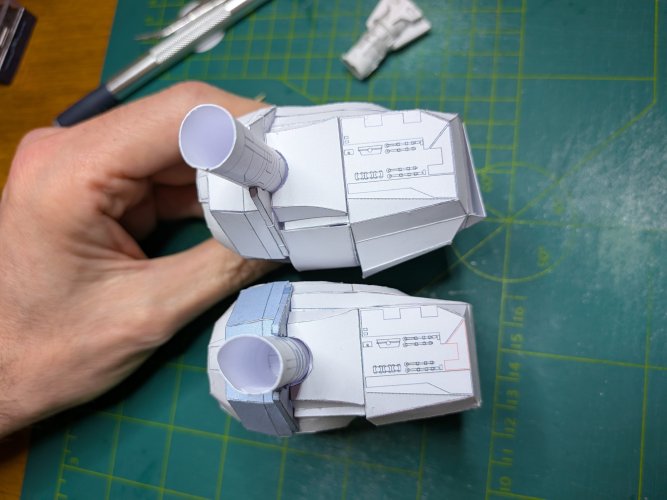
Also the gap at the font is fixed. I noticed that I have to shrink the interior with 5% to close the sphere correctly. Now I have only a gap at the side where I closed the sphere.
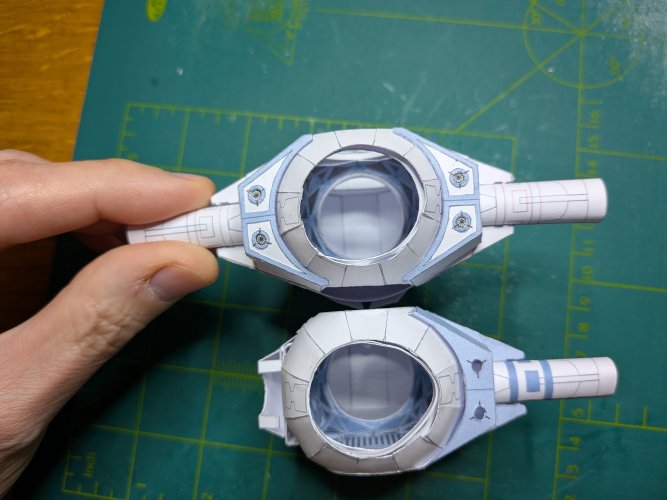
I added new parts at the rear and here its work in progress.
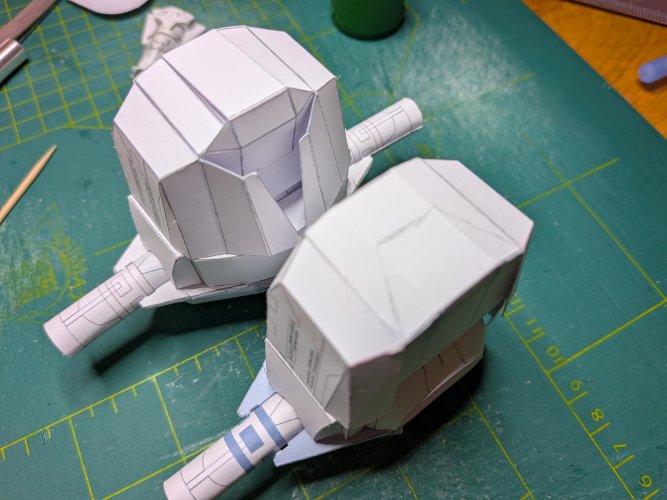
I miss judged the complexity off this model but I will solve all the issues that I encounter. Lets start creating new and update parts.
Fixed the gap around the pylons. It needs some minor attention and then its perfect.
Also the gap at the font is fixed. I noticed that I have to shrink the interior with 5% to close the sphere correctly. Now I have only a gap at the side where I closed the sphere.
I added new parts at the rear and here its work in progress.
I miss judged the complexity off this model but I will solve all the issues that I encounter. Lets start creating new and update parts.